Survey
Field surveys on drawings
Take the drawing set to site on a tablet or phone, mark what you find and count it as you go.
How does it work?
Load the plans
Upload the PDF set once. It is on every device you sign in on.
Walk and tap
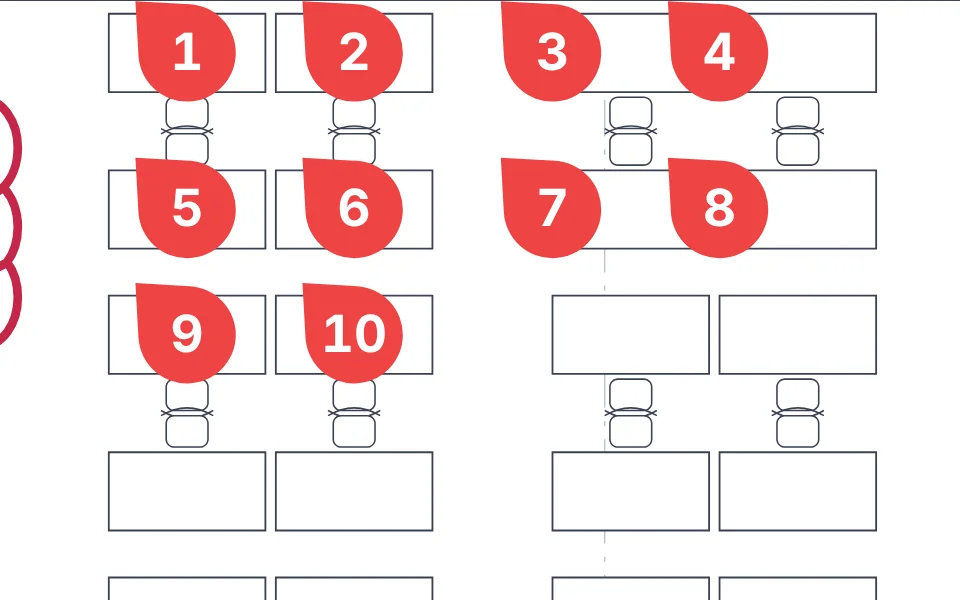
Make a category for each thing you check, like outlets or fire doors, and tap each one on the plan. Survey numbers them and keeps the totals.
Note what you see
Add a callout or a cloud where something is wrong, right on the sheet.
Send the results
Export the counts as a spreadsheet for the report or the estimate.
The tools you'll use
Count markers, the pen and highlighter, clouds and arrows, and text callouts. Every markup tool is free. Site surveys with data export are on Pro.
See every tool