 Survey
On a computer
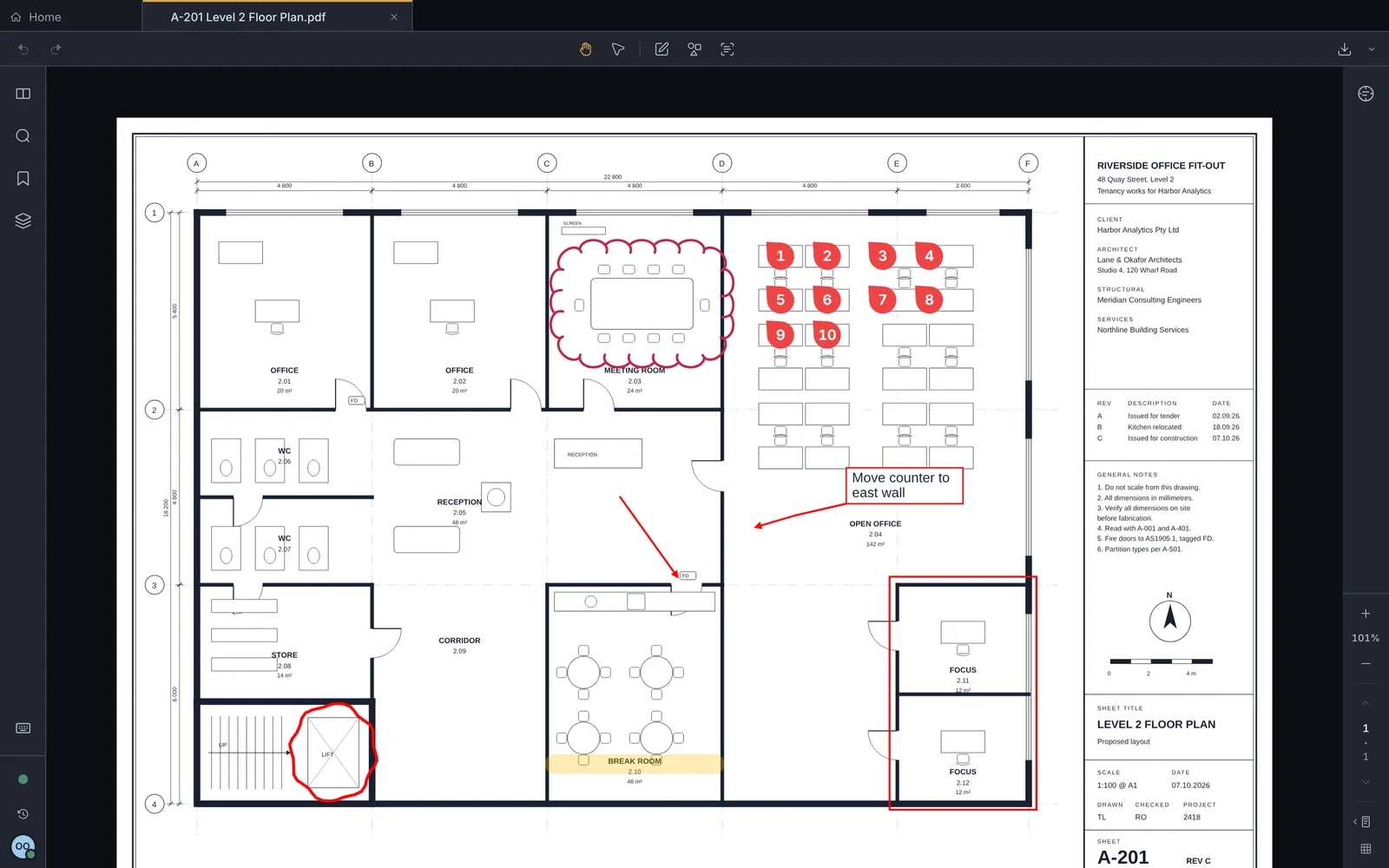
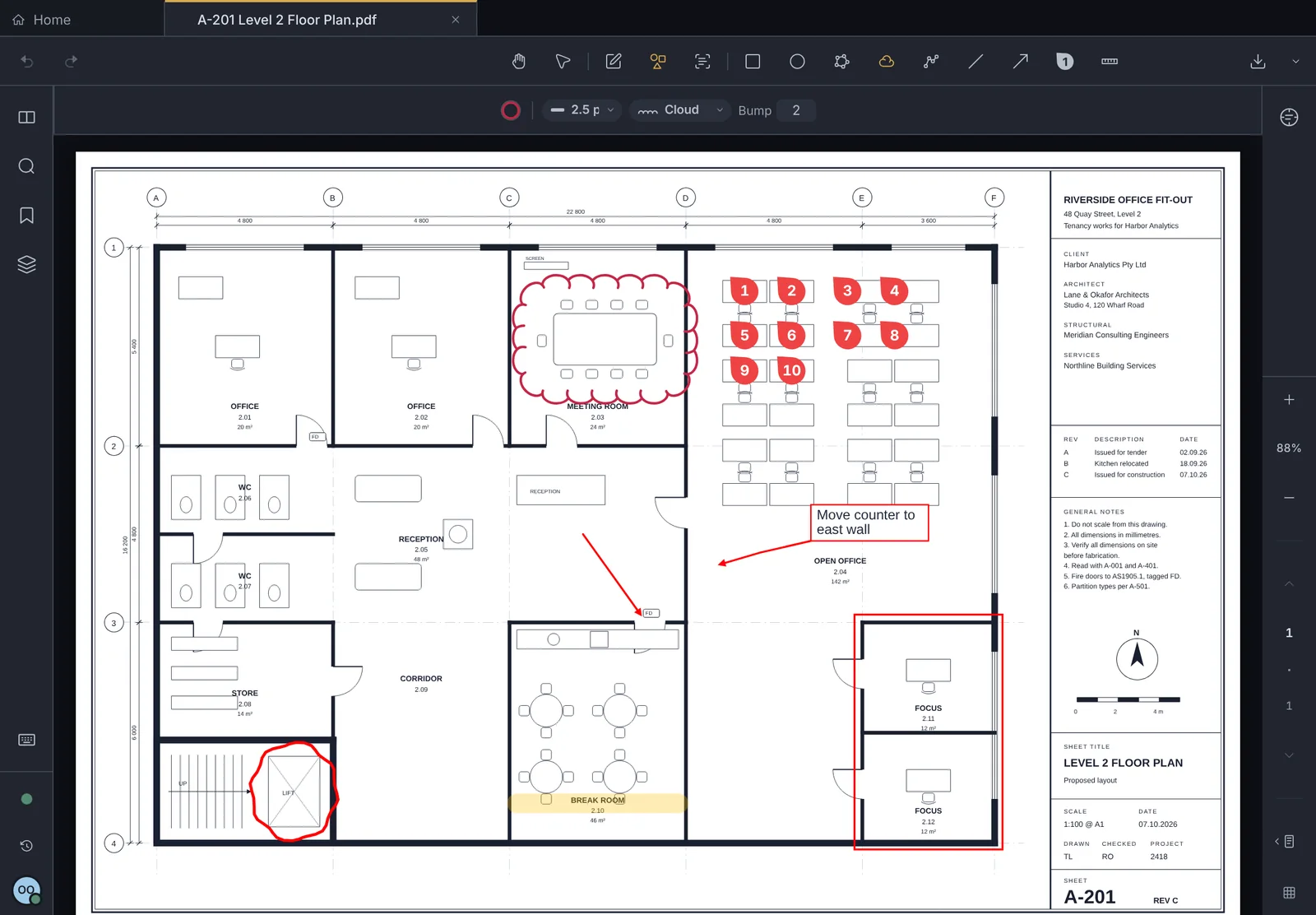
Use Chrome, Edge or Safari on Mac or Windows. A mouse or trackpad draws, the scroll wheel zooms, and keyboard shortcuts switch tools.
Survey runs in your browser, so there is nothing to install. Sign in on any device and your drawings and markups are there.
Use Chrome, Edge or Safari on Mac or Windows. A mouse or trackpad draws, the scroll wheel zooms, and keyboard shortcuts switch tools.
Apple Pencil or any stylus draws, and your fingers pan and zoom, so you never mark a sheet by mistake. Add Survey to your home screen to open it like an app.
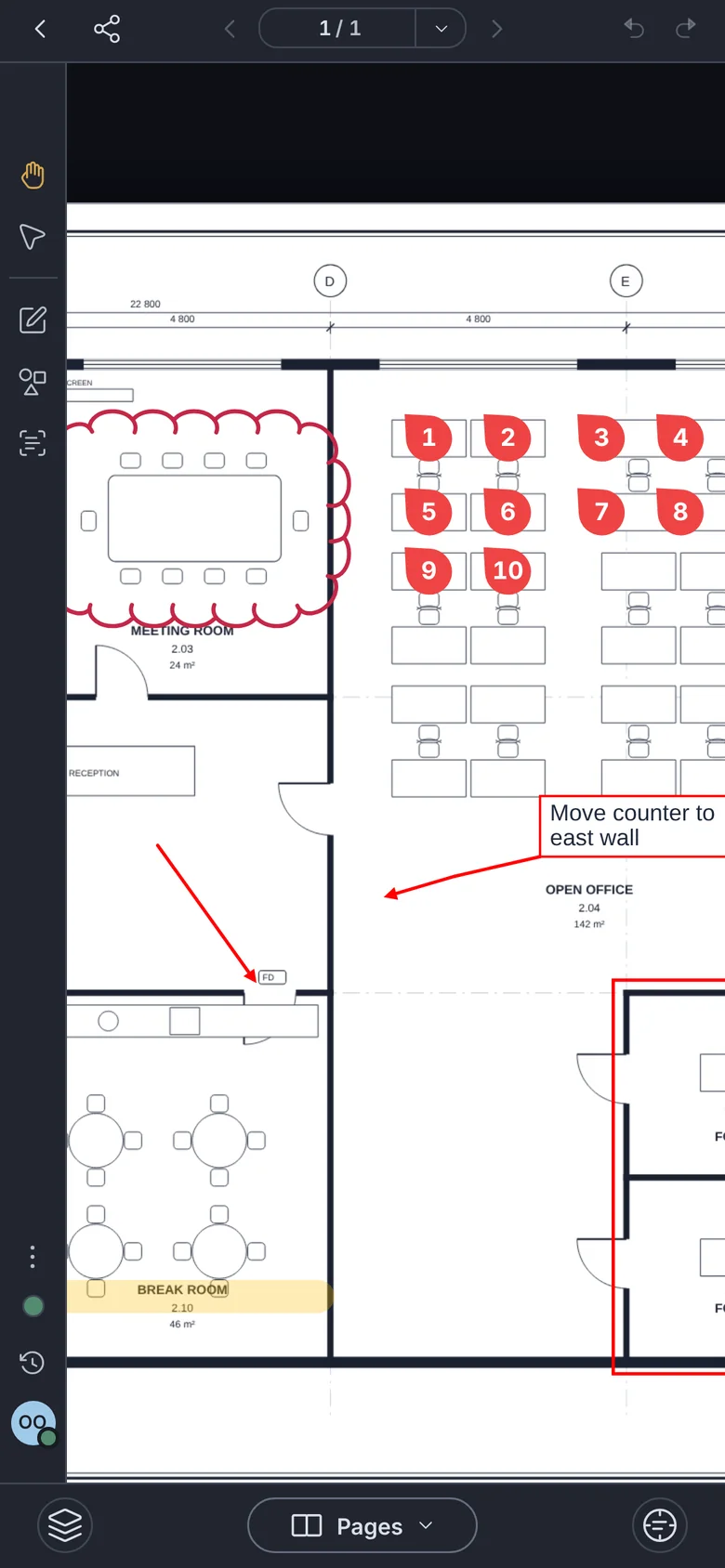
Check a sheet, drop a count marker or read a note on site. The tools fit a small screen.
Not yet. Phone, tablet and desktop apps are on the way. Until then the browser version does everything.